Canvas Content Library Cleanup Strategies for Efficient Course Management
Many schools grapple with disorganized course content. This guide provides actionable strategies for instructional designers and Canvas LMS administrators to clean up and organize their existing content libraries. Learn how to tag, modularize, and archive course materials effectively to improve discoverability, streamline future course development, and prepare for potential Canvas migrations or integrations, ultimately enhancing the teaching and learning experience.
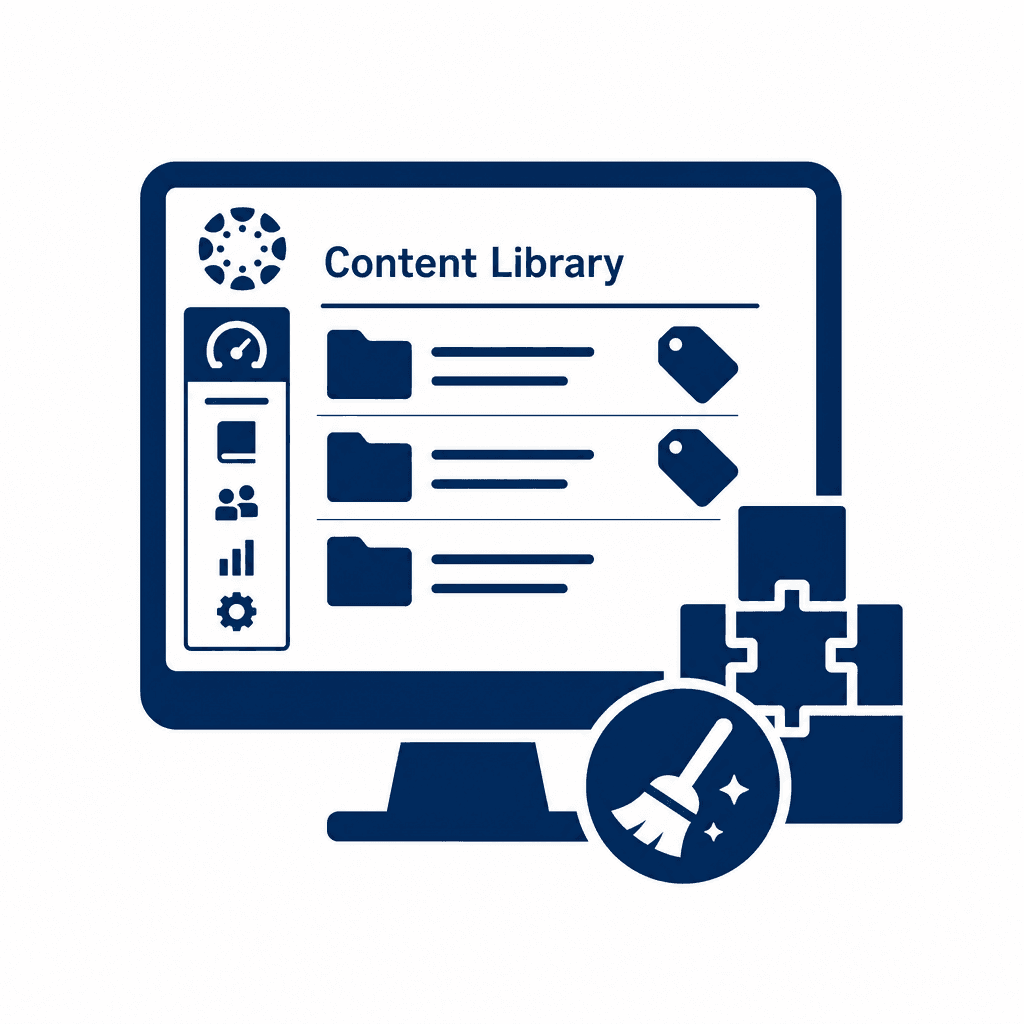
In the ever-evolving landscape of education, maintaining an organized content library within Canvas LMS is paramount for effective course management. This article delves into essential strategies for instructional designers and LMS administrators to streamline their content, focusing on tagging, modularization, and archiving. These practices not only enhance the user experience but also prepare institutions for future migrations.
Understanding Canvas and Its Content Management Challenges
The Canvas Learning Management System (LMS) provides an extensive platform for course design and delivery, but it often presents challenges in content management that can frustrate both educators and learners. Disorganized course content can lead to inefficiencies that compromise instructional design workflows. Courses may house duplicated materials, outdated resources, or an overwhelming array of unstructured components that hinder quick access and navigation. For instance, a typical scenario is an instructor struggling to locate the right assessment tool among numerous similar files, resulting in wasted time that could be better spent interacting with students. Lack of coherent structure can impede not only teaching effectiveness but also the learning experience. Students may find it challenging to engage with course materials if they cannot easily locate needed resources, leading to frustration and disengagement. Similarly, instructional designers may find it difficult to repurpose or adapt existing materials for new courses due to the clutter, which stifles innovation and responsiveness in course development. Thus, a focus on effective content organization within Canvas is essential to support the teaching process and foster a productive learning environment. Educational institutions must prioritize strategies that enable better content management, ensuring that both instructors and students can navigate the LMS efficiently.
The Importance of Tagging and Categorization
Tagging and categorization are vital components of effective content management within Canvas, as they significantly enhance the discoverability of course materials for both instructors and students. By implementing a robust tagging system, educational institutions can simplify navigation through extensive content libraries, alleviating the frustrations caused by disorganization. When creating a tagging system, it's crucial to develop a consistent and intuitive methodology. Tags should reflect common themes, subjects, or content types, making it easier for users to locate specific materials. For example, consider the use of tags based on course objectives, skill levels, or content formats—such as “video,” “assessment,” or “reading material.” This structured approach aids in creating a clear framework for content organization. Best practices for tagging include regular reviews and updates to the tagging system, ensuring that it evolves with changing curriculum needs. Involving instructional designers and faculty in developing the tags can also enhance relevance and usability. Furthermore, providing training sessions on how to utilize tags effectively will encourage adherence and maximize the benefits of the tagging system. Ultimately, effective tagging not only facilitates immediate access to materials but also streamlines the course design process, paving the way for a more coherent and efficient learning experience.
Modularizing Content for Enhanced Usability
Modularizing content in Canvas is an essential strategy for improving course management and enhancing the user experience for both instructors and learners. By breaking down course materials into manageable, distinct modules, educators can create a flexible framework that allows for a tailored learning path. This approach not only fosters better engagement but also promotes the efficient reuse of content across different courses. One benefit of modularization is the ease of updating specific components without overhauling an entire course. For instance, if a specific module on digital literacy needs revision, educators can simply update that module, allowing the remainder of the course to remain intact. Additionally, modularized content enhances accessibility; students can progress through course materials at their own pace, revisiting or skipping modules as needed based on their comprehension and interest levels. Effective techniques for modularization include creating units that align with learning objectives. For example, in a course on environmental science, modules could focus on topics such as climate change, renewable energy, and conservation methods. Each module can contain readings, multimedia resources, and assessments that are thematically cohesive. By strategically organizing content this way, instructors not only streamline course delivery but also significantly improve the discoverability of essential materials, thus laying the groundwork for an organized, efficient, and versatile learning environment.
Archiving Old Content for Future Reference
Archiving outdated or unused content within the Canvas LMS is essential for maintaining an efficient and navigable content library. A cluttered repository can hinder course design and derail instructional design workflows, where ease of access to relevant resources directly impacts the quality and speed of course development. Effective archiving not only involves identifying materials that are no longer in use but also ensuring valuable resources are retrievable when needed. Strategies for effective archiving include establishing a clear set of criteria for what constitutes outdated content. Items can be tagged as "archived" within Canvas, making them invisible to course creators during regular use, yet accessible for reference in the future. Creating a systematic folder structure facilitates the archiving process, where content is categorized by subject, year, or relevance. It’s also beneficial to document the reasons for archiving each resource, providing context for future evaluations. The impact of effective archiving cannot be overstated; it streamlines future course development by minimizing the risk of content overlap and ensuring that only the most relevant, high-quality materials are in circulation. This preparedness also lays the groundwork for potential Canvas migrations or integrations, making transitions smoother and more efficient.
Preparing for Canvas Migrations and Integrations
As schools anticipate potential migrations or integrations with other systems, a well-organized content library in Canvas becomes essential. Ensuring a smooth transition helps mitigate risks, streamline the process, and maintains instructional continuity. Administrators must first engage in thorough data mapping, which involves identifying all course content types and their relationships. This step ensures that essential data points are preserved and can be accurately transferred to the new system. Next, a comprehensive content export is necessary. Prior to migration, administrators should systematically export content from Canvas, focusing on essential files, modules, and resources that are frequently utilized. By categorizing these materials effectively, the export process can occur with minimal disruption to instructors and students. Testing for accessibility is another crucial step in this transition. Verifying that exported content adheres to accessibility standards will ensure it remains usable for all learners, preventing complications later on. Organizing the content library before migrations not only sets the foundation for a successful transition but also contributes to a more seamless integration process. By taking these proactive measures, schools can strengthen their instructional design workflows, ultimately improving the teaching and learning experience in the face of inevitable technological shifts.
Enhancing Teaching and Learning Experiences through Effective Management
Effective management of a well-organized content library goes beyond facilitating migrations; it fundamentally enhances the teaching and learning experience. By employing strategies such as tagging, modularizing, and archiving, educators and administrators can create a robust environment that fosters both efficient course management and meaningful student engagement. **Tagging** allows for quick identification and retrieval of materials, making learning resources easily accessible for both instructors and students. This facilitates personalized learning paths, as educators can swiftly curate content that aligns with diverse student needs and learning objectives. **Modularizing** course materials ensures that content is structured in bite-sized, focused units that can be reused across different courses. This not only saves time for instructional designers but also aligns with pedagogical best practices, enabling students to learn at their own pace and encouraging deeper understanding. Lastly, **archiving** reduces content clutter, ensuring that important materials remain while obsolete resources are effectively stored. This results in an organized repository that simplifies course planning and enhances content discoverability. In the long run, these strategies lead to enhanced teaching effectiveness, optimized student outcomes, and a user-friendly interface that enriches the entire educational experience within Canvas. Through structured management practices, institutions can support both educators and learners in an increasingly digital landscape.
Conclusions
Effective management of Canvas content libraries is crucial for facilitating smooth course delivery and enhancing educational experiences. By implementing strategies such as tagging, modularization, and archiving, educators can ensure their content is easily accessible and efficiently organized. This proactive approach to content management will benefit both teachers and learners, paving the way for a more structured educational environment.