Cleaning Up Your Canvas Content: Strategies for an Organized and Efficient Course Library
This article will provide actionable strategies for educators and instructional designers to organize their Canvas course files, modules, and overall content library. It will cover best practices for naming conventions, folder structures, archiving old content, and leveraging Canvas features to maintain a clean, efficient, and user-friendly course environment, ultimately improving the teaching and learning experience.
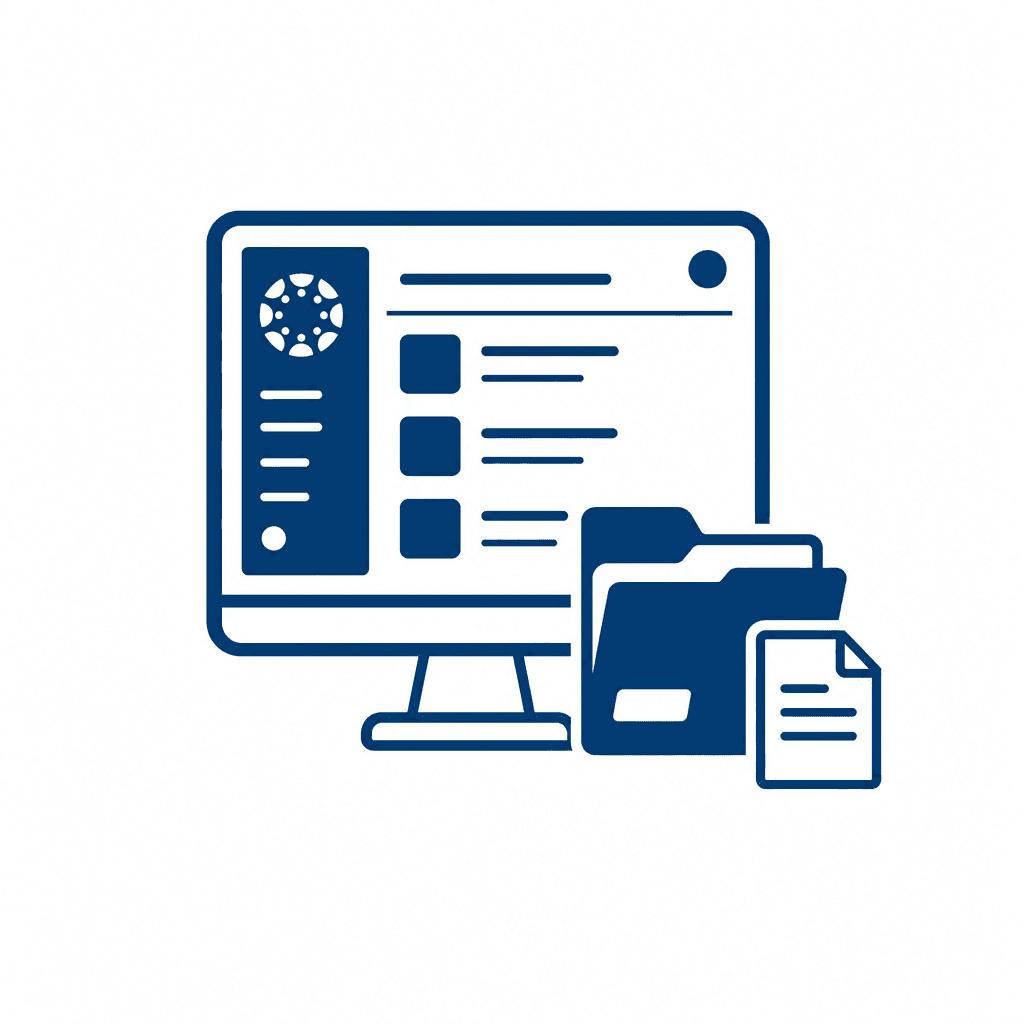
Organizing content within Canvas can greatly enhance the teaching and learning experience. From course files to modules, a well-structured content library is essential for both educators and students. This article explores effective strategies for content management in Canvas, including naming conventions, folder structures, and archiving practices that can streamline your course library.
Understanding Canvas Content Structure
Understanding Canvas Content Structure: Canvas has a robust content structure that plays a crucial role in how instructors manage course files, modules, and overall course organization. At its core, Canvas organizes content through a hierarchy that includes modules, assignments, quizzes, and files—each serving distinct purposes but working cohesively as a unit. Instructors can utilize various types of files, such as documents, presentations, PDFs, and multimedia, which can be uploaded and organized into folders. This file management system allows for strategic arrangement of resources, ensuring that materials are easily accessible. A well-thought-out content structure enhances student engagement; when course materials are logically arranged, students can navigate the course with ease, reducing frustration and increasing the likelihood of completing assignments. Furthermore, Canvas modules enable educators to group related content, which can help create thematic pathways through the curriculum. An intentional design of folders and modules fosters a clear content hierarchy, making it straightforward for students to engage with materials in a structured manner. Organizing content effectively not only benefits instructors but also cultivates a rich learning environment for students that promotes academic success. Best Practices for Naming Conventions: Consistent naming conventions are essential for maintaining organization in your Canvas course library. A clear and systematic naming strategy enhances searchability, making it easier for both instructors and students to locate files and resources. When choosing names, it is crucial to be descriptive and user-friendly. For instance, instead of ambiguous titles, use specific ones such as “Week_1_Readings_Intro_To_Psychology” or “Assignment_3_Essay_Analysis_Gatsby.” Implementing a uniform naming formula helps in identifying content categories quickly; for example, prefixing filenames with their type (e.g., “Module_1_,” “Quiz_2_,” or “Lecture_Notes_”) can streamline organization. Furthermore, employing date formats like YYYY-MM-DD aids in sorting files chronologically. Effective naming strategies not only keep the course library intuitive but also facilitate collaboration among team members. Instructors can quickly orient themselves to past content for effective course updates or modifications, ensuring that the course evolves while remaining accessible to students. Ultimately, thoughtful naming conventions contribute to a seamless learning experience by reducing cognitive overload and enhancing navigation within the course.
Best Practices for Naming Conventions
Consistent naming conventions play a crucial role in the accessibility and organization of Canvas content, significantly enhancing the teaching and learning experience. Developing a standardized system for naming files and modules can streamline navigation for both educators and students. First, names should be descriptive, clearly indicating the content or purpose. For instance, instead of labeling a document as "Assignment 1," a more informative name could be "Week 1 - Introduction to Topic A - Assignment." This not only clarifies the content but also positions it chronologically in the course.
Searchability is another vital factor; incorporating keywords that students might use to look for resources can facilitate quicker access. Moreover, using consistent formats aids recognition— for example, beginning each module with "Module" followed by the number and title (e.g., "Module 2 - Advanced Concepts in Topic B"). To maintain an orderly structure, avoid vague abbreviations or overly complex names. Further, establish a guideline for dates in file names, such as "YYYY-MM-DD," ensuring files remain sorted by their creation date.
Ultimately, consistent naming fosters an intuitive course library, bringing clarity and efficiency that benefits the entire learning community.
Creating an Effective Folder Structure
Creating an effective folder structure is essential for an organized and efficient Canvas course library. A well-thought-out folder system categorizes course content in a manner that is both intuitive and accessible, greatly enhancing navigation for both instructors and students. Start by grouping files by relevant categories such as topic, unit, or weekly content. For instance, consider creating top-level folders for each module, then subdivide them into folders for readings, assignments, and multimedia resources. This hierarchy allows users to quickly locate relevant materials without sifting through a cluttered repository. Flexibility in your folder organization is crucial. As the course evolves, educational materials may need to be updated or integrated, so ensure that your structure can adapt to growing or shifting content. Use consistent labels and maintain the organization as new files are added. Instructors should also consider the end-user experience; students often benefit from a clear and logical layout that aligns with the course timeline and progression. When files are organized systematically, it enhances the overall teaching and learning experience by making it easier for students to access necessary resources, complete assignments, and engage meaningfully with the course content.
Archiving Old Content
Archiving old content is a critical aspect of maintaining a well-organized course library within Canvas. As courses evolve, certain materials become less relevant or outdated, creating clutter that can hinder both teaching and learning. To decide which materials should be archived, consider criteria such as the relevance to current course objectives, frequency of student use, and the likelihood of similar topics being taught in the future. For example, old lecture slides or assignments that no longer align with curriculum standards can often be good candidates for archiving.
When it comes to archiving methods, utilizing Canvas’s built-in features is essential. Instructors can create a separate, clearly labeled folder specifically for archived content, ensuring that it remains easily accessible without interfering with current materials. Additionally, instructors might consider exporting old course materials as external files for safekeeping, or they may upload these materials to a separate course that is designated as an archive.
Preserving accessible records is crucial for future reference. An efficient strategy is to maintain a summary document that outlines what has been archived, including descriptions and potential uses of the materials. This document can serve as a roadmap for educators wishing to reference past content or integrate it into future courses, thereby promoting continuity in instructional design.
Leveraging Canvas Features for Better Management
Leveraging various features within Canvas can significantly enhance your content management strategy and ensure a well-organized course structure. Modules, discussions, quizzes, and pages are central to creating a cohesive and engaging course experience. Utilizing **modules** effectively allows educators to create a logical progression through the course material, grouping related content together and guiding students chronologically or thematically. Each module can include assignments, quizzes, or discussions, creating a centralized hub for students to access relevant resources. **Discussions** can foster community and engagement while also serving organizational purposes. Implemented thoughtfully, discussion prompts can be aligned with key course themes, effectively categorizing content while promoting interaction among students. Quizzes serve not only as assessment tools but also as checkpoints for understanding. By embedding quizzes within modules, they encourage learners to consolidate their knowledge before advancing to new topics, ensuring content clarity. **Pages** in Canvas can serve as information repositories. By formatting pages with clear headings and providing hyperlinks to other resources, educators can reduce confusion and improve navigation throughout the course. By harnessing these tools collectively, educators can minimize the risk of disorganization over time, ensuring that course materials remain accessible and engaging for all learners. This approach ultimately leads to a more structured environment that fosters effective learning.
Continuous Improvement and Content Migration
Continuous improvement and content migration are vital components in maintaining a well-organized course library in Canvas. Regularly evaluating your course materials is essential; it allows educators and instructional designers to identify areas needing refinement or updates, ensuring the content remains relevant and high-quality. Periodic reviews can spotlight outdated resources, irrelevant assignments, or inefficient folder structures, providing opportunities for overhauls and enhancements based on student feedback and academic advancements.
When migrating content to new courses or platforms, maintaining structural consistency is crucial. To facilitate this, maintain a clear mapping of your existing course elements and the intended destination. Use standardized naming conventions, as discussed earlier, which not only eases migration but also aids in consistency across different courses. Additionally, employing Canvas's built-in tools for bulk content export and import can significantly streamline the migration process while preserving your course’s design and integrity.
Lastly, establish a routine for reviewing and archiving content. This practice can keep your course library clutter-free and relevant, allowing you to focus on developing new materials that foster engagement and meet educational objectives. By prioritizing continuous improvement and careful migration strategies, you can ensure your Canvas content remains organized, effective, and user-friendly, ultimately enhancing the teaching and learning experience.
Conclusions
By implementing the strategies discussed in this article, you can create a well-organized and efficient Canvas course library. Utilizing structured naming conventions, thoughtful folder arrangements, and archiving old content can significantly improve navigation and accessibility for students. Embracing these practices ultimately fosters a better teaching and learning environment.