Designing Authentic Collaborative Experiences in Canvas
Explore advanced strategies and Canvas features to move beyond traditional discussion boards and create truly engaging and authentic collaborative learning experiences. This article will guide instructional designers and educators on leveraging Canvas groups, peer review, external tools, and project-based learning to foster deeper student interaction and skill development.
The Importance of Collaborative Learning
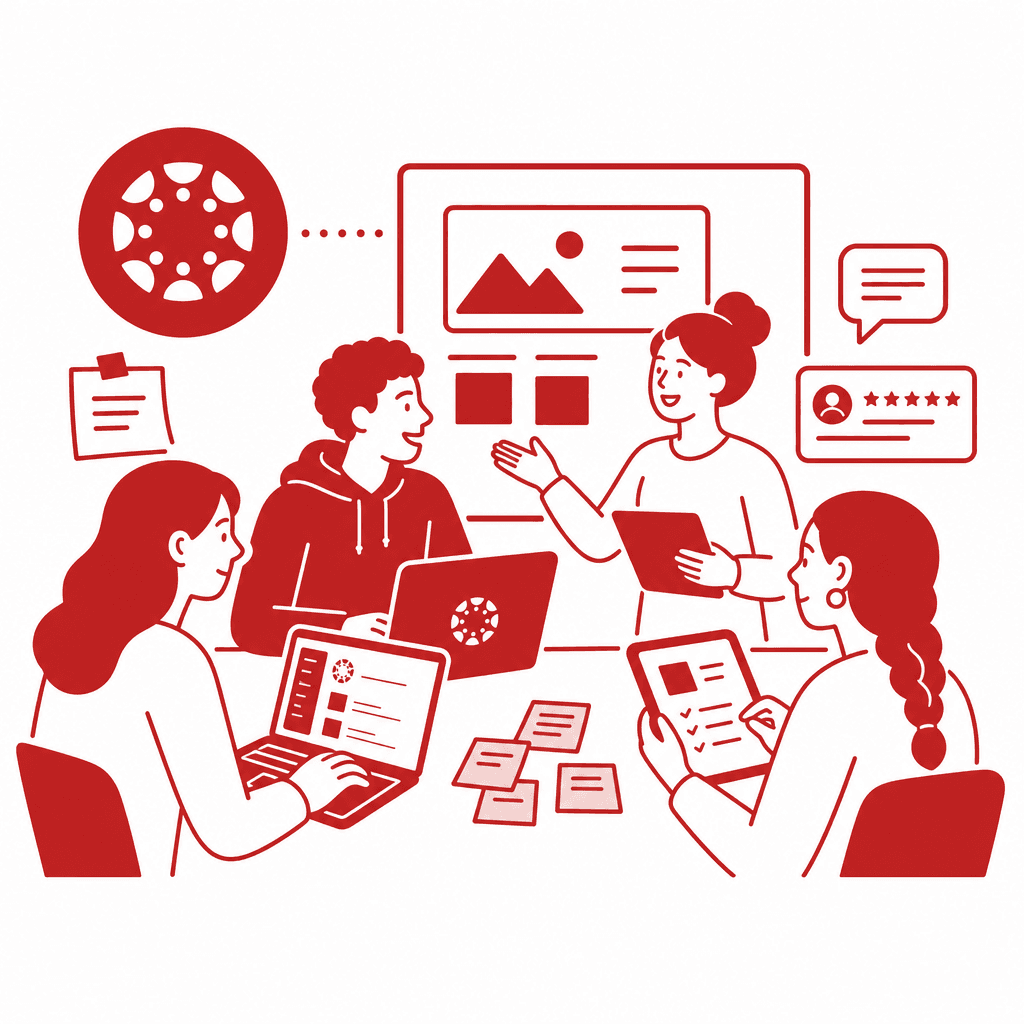
Collaborative learning is a cornerstone of modern education, promoting a dynamic approach that engages students deeply in the learning process. In the Canvas Learning Management System, various features bolster this approach. Among these, the **Groups** tool allows instructors to create dedicated spaces for student collaboration, where they can share resources, discuss ideas, and work together on projects. These groups can be full class, small teams, or even randomly assigned, catering to diverse learning experiences. Moreover, **discussion boards** in Canvas can be transformed into vibrant platforms for interaction when designed thoughtfully. Instead of merely posting comments, instructors can prompt students with open-ended questions, ensuring they engage critically with content and each other. **Peer review** assignments serve as another vital component, enabling students to evaluate each other's work constructively. This not only enhances critical thinking skills as they analyze peers' strengths and areas for improvement, but it also builds a culture of feedback that fosters deeper understanding. Navigating and customizing these features can significantly enhance collaborative projects. Instructors should consider incorporating clear guidelines for group interactions and assign roles that promote accountability, ensuring every student contributes to the learning journey. With these tools, Canvas supports a vibrant learning environment where authentic collaboration flourishes, and students develop crucial skills for their academic and professional futures.
Navigating the Canvas Environment for Collaboration
The Canvas Learning Management System is a versatile platform designed to enhance collaborative learning through various integrated tools. At the heart of this system are features that push beyond mere information sharing, promoting active engagement among students. One essential feature is the **Discussion Board**, where learners can initiate threads and respond to peers. To optimize engagement, instructors can create prompts that stimulate conversation, ensuring discussions are more than just surface-level responses. Canvas also offers **Groups**, which allow students to work collaboratively within smaller communities. Instructors can customize these groups for specific projects or topics, facilitating focused interactions. This setup encourages students to take ownership of their learning while fostering deeper connections among peers. The **Peer Review** tool is another critical element in the Canvas environment. It empowers students to provide and receive constructive feedback, enhancing critical thinking and communication skills. Instructors can tailor assignments to guide students on how to give impactful feedback, thus solidifying the collaborative nature of the task. To foster an engaging collaborative environment, instructors should encourage the use of multimedia in discussions and group projects, utilize rubrics for peer assessments, and regularly check in on group dynamics. By effectively navigating and customizing these features in Canvas, educators can create vibrant, interactive experiences that hold students accountable and deepen learning outcomes.
Leveraging Canvas Groups for Effective Projects
Utilizing Canvas groups effectively can significantly enhance collaborative projects, allowing students to engage deeply in group work while developing essential interpersonal skills. One of the key advantages of using groups in Canvas is the built-in accountability it fosters among participants. By assigning specific roles within the group, such as a leader, researcher, or presenter, every student feels responsible for contributing to the group's success. This structure not only enhances collaboration but also nurtures a sense of ownership over the learning process. To implement a successful group project, instructors can consider assignments like a collective research paper where each student contributes a section based on shared research, or a multimedia presentation that combines individual skills in a cohesive format. Another engaging project could involve creating a peer-taught mini-course where groups select a topic and learn collaboratively. Best practices for managing Canvas groups include clearly defining project objectives and timelines, facilitating regular check-ins, and encouraging the use of communication tools like Canvas’s discussion boards or integrated conferencing features. By establishing these guidelines, educators can maximize collaboration and improve overall learning outcomes while empowering students to thrive in a group setting.
Integrating Peer Review to Foster Development
Integrating peer review within Canvas can elevate collaborative learning by fostering critical thinking and self-assessment among students. Rather than strictly serving as a method for grading, peer review assignments should be designed to encourage meaningful feedback that guides improvement. For instance, instructors can structure assignments where students provide critiques on specific criteria, such as clarity, organization, and content engagement. This approach not only sharpens the reviewers' analytical skills but also encourages the authors to reflect on their work. One effective strategy includes utilizing Canvas' built-in peer review functionalities, allowing students to upload their projects and then allocate reviews to their peers. To facilitate growth, it’s vital to include rubrics that clearly delineate expectations and provide examples of constructive feedback. Engaging students in discussions about what constitutes effective feedback can also promote a culture of reflection. Furthermore, peer review nurtures self-reflection as students compare their work against that of their peers, motivating them to engage in a continuous cycle of improvement. By embedding peer review into course design, educators can turn it into a powerful tool for developing critical soft skills necessary for both academic and professional success.
Utilizing External Tools for Enhanced Engagement
Incorporating external tools into Canvas can significantly enhance collaborative learning experiences, allowing students to engage in real-time collaboration and effective project management. Tools like Padlet, Google Docs, and Trello can provide interactive platforms where students can brainstorm, organize, and share their projects with ease. For example, **Padlet** serves as a digital bulletin board, enabling groups to post ideas, resources, and feedback in a visually organized manner. This setup encourages creativity and instant interaction among group members, fostering a more engaged collaborative process. **Google Docs** is another powerful tool that promotes co-authoring and immediate commenting capabilities, allowing students to work on documents simultaneously. This real-time collaboration not only facilitates the writing process but also underscores the importance of peer feedback and revision, mirroring the earlier focus on peer review. **Trello**, with its project management capabilities, offers students a structured way to divide tasks, set deadlines, and track progress on group projects. By integrating these tools into Canvas, instructors can guide students in creating a seamless workflow, enhancing their ability to work effectively as a team. Ultimately, the integration of external tools not only enriches the learning experience but also prepares students for real-world collaboration, aligning closely with the tenets of active learning and collaborative engagement discussed previously.
Project-Based Learning as a Capstone for Collaboration
Project-Based Learning (PBL) serves as a powerful capstone for fostering authentic collaboration among students in Canvas, enhancing both engagement and skill acquisition. By anchoring learning in real-world problems, PBL aligns seamlessly with the platform's features, encouraging deeper interactions and application of knowledge. With PBL, students work collaboratively to investigate complex issues, thus promoting critical thinking and creativity essential for future careers. To effectively design PBL experiences within Canvas, educators can take several actionable steps. First, create a dedicated Canvas group for each project, where students can share resources and brainstorm together. Utilize the built-in calendar and to-do lists to help groups manage milestones and deadlines effectively. Next, integrate peer review tools to provide constructive feedback, fostering a culture of collaboration and continuous improvement. Additionally, leverage Canvas' features for assessments—assign rubrics that align with project goals and enable self-reflection on the collaborative process. Finally, consider incorporating multimedia elements, encouraging students to create videos, presentations, or infographics that encapsulate their learning outcomes. This comprehensive approach not only enriches the collaborative experience but also cultivates vital skills necessary for today's workforce.
Conclusions
By embracing the advanced features of Canvas for collaborative learning, educators can significantly enhance student engagement and foster authentic interactivity. Implementing strategies such as group work, peer review, and project-based learning not only cultivates deeper learning but also prepares students for real-world collaborative skills. Transform your instructional design by leveraging these tools for enriched educational experiences.