Leveraging Audio in Canvas Engaging Learners Beyond Text and Video
Explore practical strategies for integrating audio elements into Canvas courses to enhance learner engagement, accessibility, and content delivery. This guide will cover using Canvas's built-in tools for audio recording, embedding external podcasts, creating audio feedback, and designing audio-first learning activities, moving beyond traditional text and video.
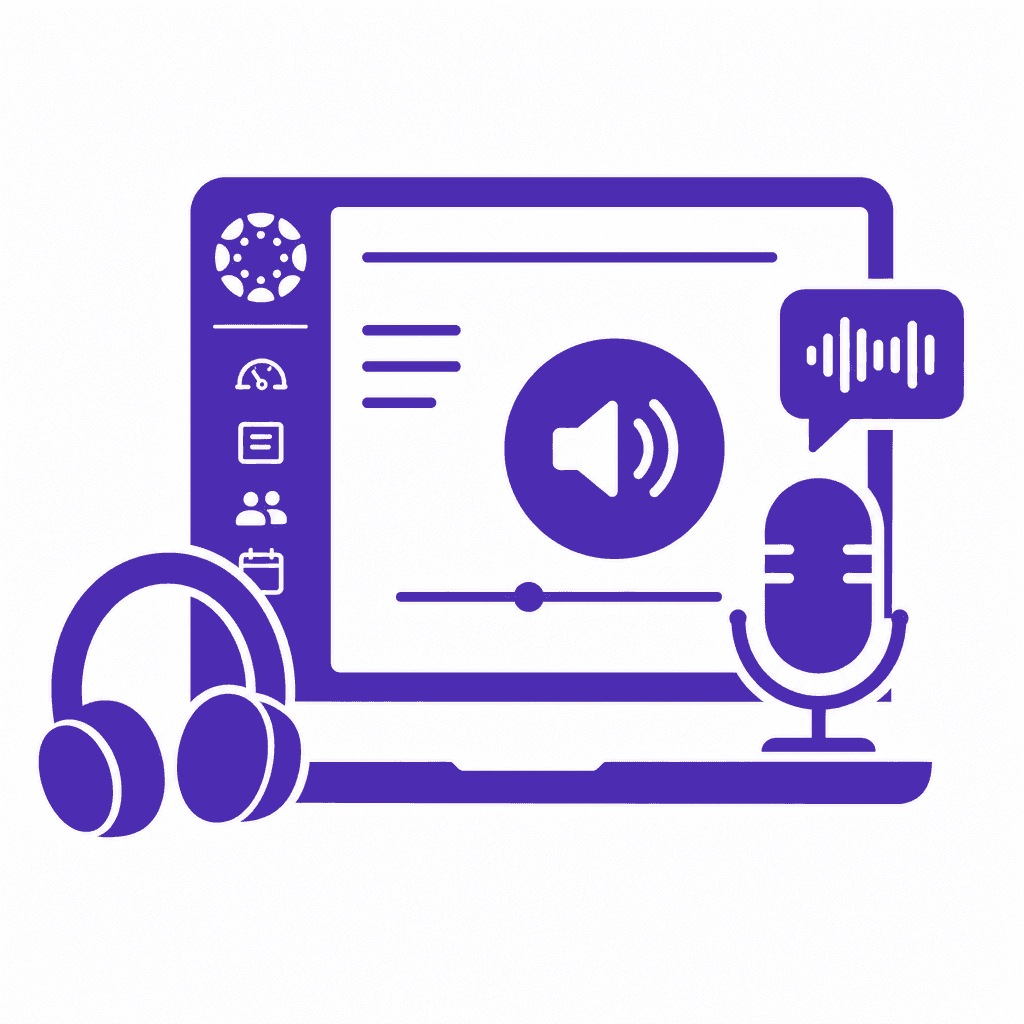
As educational environments evolve, integrating diverse media is crucial for engaging learners. This article delves into the strategic use of audio in Canvas courses, highlighting its potential to enhance accessibility, improve content delivery, and foster learner engagement. We will explore practical applications and tools within Canvas to maximize audio's transformative power in education.
The Importance of Audio in Digital Learning
Audio has emerged as a critical medium in digital learning, bringing significant enhancements to educational experiences. One of the major advantages of audio is its ability to address diverse learning styles. While visual learners thrive on text and images, auditory learners benefit considerably from spoken content. Incorporating audio elements in a course can cater to these needs, ensuring that students engage with the material in a way that resonates with them. Moreover, audio facilitates the improvement of linguistic skills. By listening to well-articulated speech, learners refine their pronunciation, vocabulary, and comprehension. A study conducted by the University of Virginia found that students who engaged with audio resources demonstrated a 20% increase in retention compared to those who relied solely on text. This statistic underscores the potency of audio in enhancing learner engagement. Additionally, audio contributes to creating immersive learning environments. While text can sometimes feel static or lifeless, audio brings content to life, evoking emotions and fostering connections to the subject matter. In this way, audio not only enriches the educational experience but can significantly increase retention and understanding, paving the way for deeper learning outcomes.
Leveraging Canvas Tools for Audio Integration
Canvas provides instructors with powerful built-in tools to integrate audio seamlessly into course design, enhancing learner engagement and accessibility. One of the most accessible features is the *audio recording tool*, located within the Rich Content Editor. This tool allows educators to create short audio snippets directly within the course pages. To use this tool, navigate to a content area, click on the microphone icon, and record your message. Students can easily listen to these recordings, providing an engaging auditory experience. In addition to recordings, instructors can design *audio-based assignments*. For example, instead of traditional written assignments, challenge students to submit audio presentations. Create an assignment and specify the format to include audio files, guiding students through uploading their recordings. This approach encourages creativity and allows for varied expression of student understanding. Uploading audio files is another straightforward process. In the course settings, use the Files section to upload audio files in formats like MP3. This method enhances course materials by giving students diverse content delivery modes. Best practices include clearly labeling audio files, providing transcripts for accessibility, and ensuring audio quality for an optimal learner experience. By leveraging these tools effectively, educators can create a richer, more inclusive learning environment.
Embedding External Podcasts for Enriched Content
Integrating external podcasts into Canvas courses provides an innovative way to enrich content while promoting learner engagement. Podcasts can serve as valuable supplementary materials that offer diverse perspectives and real-world applications relevant to course topics. To locate relevant podcasts, instructors should identify reputable podcast platforms such as Apple Podcasts, Spotify, or Google Podcasts, searching for episodes that align with their course objectives. It is essential to evaluate the credibility of sources and the expertise of guest speakers when selecting episodes. Once suitable podcasts are identified, embedding them into Canvas course pages is straightforward. Instructors can use the Embed option found in the course editor to insert the podcast's URL or embed code. This not only makes it convenient for students to access audio content but also enhances the learning experience by allowing them to engage with material at their own pace. Best practices for curating and sharing podcasts include providing context for why certain episodes were selected, listing key takeaways, and offering guided questions to stimulate critical thinking. By weaving podcasts into course content thoughtfully, instructors can create a dynamic learning environment where audio complements text and video, fostering a more engaged and accessible learning experience.
Creating Personalized Audio Feedback
Instructors seeking to foster a deeper connection with their students can turn to audio feedback as a powerful tool for personal engagement. With Canvas’s built-in audio recording features, educators can leave audio comments on assignments, providing personalized insights that can enhance clarity and emotional depth in their responses. Students often appreciate hearing their instructors' voices, as this humanizes the feedback process and creates a more welcoming learning environment. To record audio feedback in Canvas, educators can utilize tools like the Rich Content Editor, which allows for audio recording directly within the assignment feedback area. This straightforward method makes it easy to share nuanced comments and encouragement, addressing specific areas of improvement while reinforcing the learner's strengths. Compared to traditional written feedback, audio feedback offers several advantages. The tone of voice, pacing, and expression help convey meaning that may be lost in text. Additionally, the relief from reading can assist students with varying learning preferences or those with accessibility needs, who may find audio content more engaging and easier to consume. By integrating audio feedback into their assessment strategies, instructors can create a more dynamic and supportive learning experience, ultimately boosting engagement and fostering a deeper sense of community in their Canvas courses.
Designing Audio-First Learning Activities
Designing audio-first learning activities encourages an immersive learning experience that transcends traditional text and video formats. To optimize engagement, consider developing audio quizzes that prompt students to listen to an audio segment and then answer related questions, reinforcing comprehension and retention of material. This approach can be easily aligned with learning objectives by ensuring that quiz questions directly reflect key concepts discussed in the audio. Another innovative method is assigning audio storytelling, where students create and submit their own audio narratives around specific themes or topics. This not only fosters creativity but also enables learners to articulate their understanding in a format different from conventional essays or reports. Additionally, facilitating audio-based group discussions can enhance collaboration and critical thinking. Assigning specific topics and allowing students to respond with audio clips can cultivate diverse perspectives while accommodating varying communication styles. To measure effectiveness, employ formative assessments by tracking engagement metrics within Canvas, such as submissions and interaction rates. Gathering student feedback through surveys can uncover insights on how these audio-first activities impact their learning experience, ensuring alignment with course objectives and enhancing overall learner engagement.
Ensuring Accessibility in Audio Content
Integrating audio into Canvas courses offers exciting opportunities for enhancing engagement, but we must ensure that all audio content is accessible to every learner, including those with disabilities. Accessibility is not just a legal requirement; it also enriches the learning experience for everyone. To make audio content accessible, start by providing transcripts for all audio recordings. This allows learners who are deaf or hard of hearing to engage fully with the material. Transcripts also benefit those who may prefer reading along or need to reference specific information later. You can use Canvas's built-in tools to upload and link transcripts easily. In addition to transcripts, consider incorporating captions for any audio clips embedded in video format. Captions can help clarify spoken content, ensuring comprehension across diverse learning styles. When creating audio assignments or feedback, speak clearly, use simple language, and avoid jargon to further assist learners who may struggle with complex vocabulary. Utilizing tools like automatic captioning services can streamline this process, but they should always be reviewed for accuracy. Engaging all learners through accessible audio content not only enhances inclusivity but also fosters a richer learning environment where everyone can thrive.
Conclusions
The incorporation of audio elements in Canvas courses is not merely an enhancement; it’s a necessary evolution in engaging a diverse learning population. By leveraging audio recording, podcasts, and feedback, educators can create dynamic and inclusive learning experiences. Embracing these strategies leads to a richer educational environment, ensuring all learners can thrive.
The Importance of Audio in Digital Learning
Audio has emerged as a critical medium in digital learning, bringing significant enhancements to educational experiences. One of the major advantages of audio is its ability to address diverse learning styles. While visual learners thrive on text and images, auditory learners benefit considerably from spoken content. Incorporating audio elements in a course can cater to these needs, ensuring that students engage with the material in a way that resonates with them. Moreover, audio facilitates the improvement of linguistic skills. By listening to well-articulated speech, learners refine their pronunciation, vocabulary, and comprehension. A study conducted by the University of Virginia found that students who engaged with audio resources demonstrated a 20% increase in retention compared to those who relied solely on text. This statistic underscores the potency of audio in enhancing learner engagement. Additionally, audio contributes to creating immersive learning environments. While text can sometimes feel static or lifeless, audio brings content to life, evoking emotions and fostering connections to the subject matter. In this way, audio not only enriches the educational experience but can significantly increase retention and understanding, paving the way for deeper learning outcomes.
Leveraging Canvas Tools for Audio Integration
Canvas provides instructors with powerful built-in tools to integrate audio seamlessly into course design, enhancing learner engagement and accessibility. One of the most accessible features is the *audio recording tool*, located within the Rich Content Editor. This tool allows educators to create short audio snippets directly within the course pages. To use this tool, navigate to a content area, click on the microphone icon, and record your message. Students can easily listen to these recordings, providing an engaging auditory experience. In addition to recordings, instructors can design *audio-based assignments*. For example, instead of traditional written assignments, challenge students to submit audio presentations. Create an assignment and specify the format to include audio files, guiding students through uploading their recordings. This approach encourages creativity and allows for varied expression of student understanding. Uploading audio files is another straightforward process. In the course settings, use the Files section to upload audio files in formats like MP3. This method enhances course materials by giving students diverse content delivery modes. Best practices include clearly labeling audio files, providing transcripts for accessibility, and ensuring audio quality for an optimal learner experience. By leveraging these tools effectively, educators can create a richer, more inclusive learning environment.
Embedding External Podcasts for Enriched Content
Integrating external podcasts into Canvas courses provides an innovative way to enrich content while promoting learner engagement. Podcasts can serve as valuable supplementary materials that offer diverse perspectives and real-world applications relevant to course topics. To locate relevant podcasts, instructors should identify reputable podcast platforms such as Apple Podcasts, Spotify, or Google Podcasts, searching for episodes that align with their course objectives. It is essential to evaluate the credibility of sources and the expertise of guest speakers when selecting episodes. Once suitable podcasts are identified, embedding them into Canvas course pages is straightforward. Instructors can use the Embed option found in the course editor to insert the podcast's URL or embed code. This not only makes it convenient for students to access audio content but also enhances the learning experience by allowing them to engage with material at their own pace. Best practices for curating and sharing podcasts include providing context for why certain episodes were selected, listing key takeaways, and offering guided questions to stimulate critical thinking. By weaving podcasts into course content thoughtfully, instructors can create a dynamic learning environment where audio complements text and video, fostering a more engaged and accessible learning experience.
Creating Personalized Audio Feedback
Instructors seeking to foster a deeper connection with their students can turn to audio feedback as a powerful tool for personal engagement. With Canvas’s built-in audio recording features, educators can leave audio comments on assignments, providing personalized insights that can enhance clarity and emotional depth in their responses. Students often appreciate hearing their instructors' voices, as this humanizes the feedback process and creates a more welcoming learning environment. To record audio feedback in Canvas, educators can utilize tools like the Rich Content Editor, which allows for audio recording directly within the assignment feedback area. This straightforward method makes it easy to share nuanced comments and encouragement, addressing specific areas of improvement while reinforcing the learner's strengths. Compared to traditional written feedback, audio feedback offers several advantages. The tone of voice, pacing, and expression help convey meaning that may be lost in text. Additionally, the relief from reading can assist students with varying learning preferences or those with accessibility needs, who may find audio content more engaging and easier to consume. By integrating audio feedback into their assessment strategies, instructors can create a more dynamic and supportive learning experience, ultimately boosting engagement and fostering a deeper sense of community in their Canvas courses.
Designing Audio-First Learning Activities
Designing audio-first learning activities encourages an immersive learning experience that transcends traditional text and video formats. To optimize engagement, consider developing audio quizzes that prompt students to listen to an audio segment and then answer related questions, reinforcing comprehension and retention of material. This approach can be easily aligned with learning objectives by ensuring that quiz questions directly reflect key concepts discussed in the audio. Another innovative method is assigning audio storytelling, where students create and submit their own audio narratives around specific themes or topics. This not only fosters creativity but also enables learners to articulate their understanding in a format different from conventional essays or reports. Additionally, facilitating audio-based group discussions can enhance collaboration and critical thinking. Assigning specific topics and allowing students to respond with audio clips can cultivate diverse perspectives while accommodating varying communication styles. To measure effectiveness, employ formative assessments by tracking engagement metrics within Canvas, such as submissions and interaction rates. Gathering student feedback through surveys can uncover insights on how these audio-first activities impact their learning experience, ensuring alignment with course objectives and enhancing overall learner engagement.
Ensuring Accessibility in Audio Content
Integrating audio into Canvas courses offers exciting opportunities for enhancing engagement, but we must ensure that all audio content is accessible to every learner, including those with disabilities. Accessibility is not just a legal requirement; it also enriches the learning experience for everyone. To make audio content accessible, start by providing transcripts for all audio recordings. This allows learners who are deaf or hard of hearing to engage fully with the material. Transcripts also benefit those who may prefer reading along or need to reference specific information later. You can use Canvas's built-in tools to upload and link transcripts easily. In addition to transcripts, consider incorporating captions for any audio clips embedded in video format. Captions can help clarify spoken content, ensuring comprehension across diverse learning styles. When creating audio assignments or feedback, speak clearly, use simple language, and avoid jargon to further assist learners who may struggle with complex vocabulary. Utilizing tools like automatic captioning services can streamline this process, but they should always be reviewed for accuracy. Engaging all learners through accessible audio content not only enhances inclusivity but also fosters a richer learning environment where everyone can thrive.
Conclusions
The incorporation of audio elements in Canvas courses is not merely an enhancement; it’s a necessary evolution in engaging a diverse learning population. By leveraging audio recording, podcasts, and feedback, educators can create dynamic and inclusive learning experiences. Embracing these strategies leads to a richer educational environment, ensuring all learners can thrive.