
Optimizing Your Canvas Content Library: Strategies for Clean-Up, Organization, and Future-Proofing
Many schools face challenges with disorganized and inconsistent course content within Canvas. This article provides practical strategies for instructional designers and LMS administrators to audit, clean up, organize, and standardize their Canvas content libraries, ensuring efficiency, reusability, and a smoother experience for both educators and students. Learn how to prepare your content for future migrations, integrations, and ongoing maintenance.
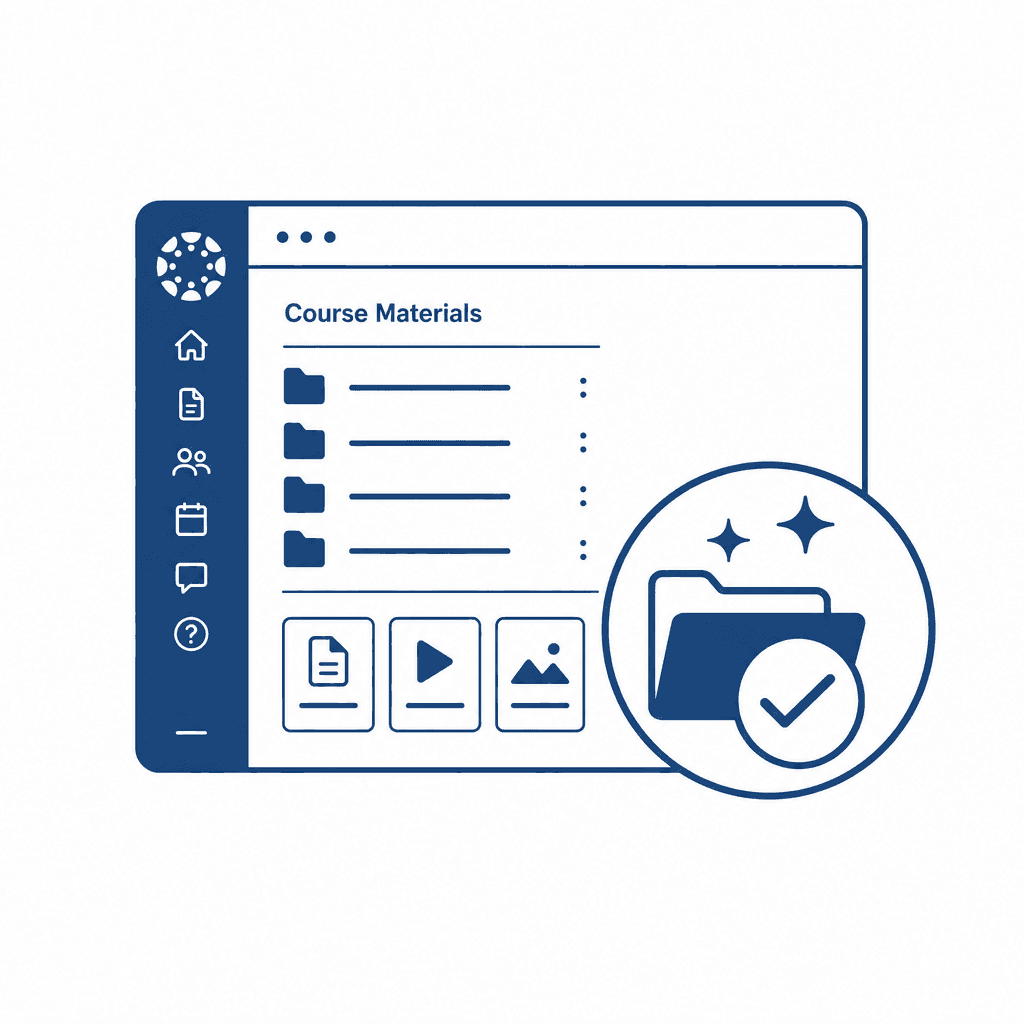
In today’s education landscape, effective content management within Learning Management Systems (LMS) like Canvas is crucial. Disorganized content hampers instructional design and can frustrate both educators and students. This article explores practical strategies to audit and optimize your Canvas content library for enhanced efficiency and future-proofing.
Understanding the Importance of Content Organization in Canvas
Disorganized content within the Canvas LMS can significantly impair both teaching and learning. When instructors struggle to locate necessary materials, students often face confusion, leading to a fragmented learning experience. Research indicates that 70% of students cite accessibility issues as a key barrier to their success in online courses, with disorganized content ranking highly among these obstacles. A clear structure enhances not just the navigation experience but also the engagement level. According to an analysis by the Online Learning Consortium, effective content organization leads to a 15% increase in student satisfaction and a 20% increase in completion rates. Experts agree that a well-organized content library is vital for successful instructional design and LMS administration. Dr. Susan Brown, an education technology expert, emphasizes that "a coherent system for content organization can make the difference between a student feeling lost or empowered." By employing a thoughtful content strategy, educators can create logical pathways for students to follow, thereby enhancing understanding and retention of material. Investing time in organizing content upfront can lead to long-term benefits, including smoother course migrations and easier updates, ultimately contributing to a richer educational experience.
Conducting a Comprehensive Content Audit
To conduct a comprehensive content audit in Canvas, start by compiling a complete list of all existing content objects, including assignments, quizzes, discussions, and files. Utilize the Canvas analytics tools to gather data on content usage, identifying which resources are frequently accessed and which remain dormant. Next, categorize content into specific groups, such as "Current," "Outdated," "Redundant," and "Needs Review." This categorization facilitates the identification of outdated materials that either require updates or can be archived without losing educational value. Assess the relevance of each piece by evaluating alignment with current course objectives and instructional design principles. Survey instructors and students to gain insights into which resources have been effective or beneficial. Incorporate a scoring system based on usage, relevance, and instructional quality to objectively prioritize materials for retention or revision. Lastly, document your findings to create a baseline for ongoing content management and improvement. This data-driven approach ensures a systematic and thorough evaluation, setting the stage for more focused content organization and reusability strategies in subsequent steps.
Developing a Strategic Content Organization Plan
Once the comprehensive content audit has been completed, it is essential to develop a strategic content organization plan that aligns with the unique needs of Canvas users. A well-structured plan will address how content is categorized and organized, which significantly enhances usability for both educators and students. Begin by categorizing course materials based on clear objectives, topical relevance, and various content formats. For instance, use headings such as "Assignments," "Lectures," "Quizzes," and "Supplemental Resources" to foster intuitiveness. Another effective method is to implement a robust naming convention for all materials, which should reflect course topics and levels. Consistency in naming not only aids in immediate recognition but also supports a uniform structure across courses, making it easier for instructors to find and reuse materials. Further, utilizing metadata tagging can maximize searchability within Canvas. Tags should encompass key themes, competencies addressed, and alignment to standards, ensuring that content is easily retrievable during future migrations or when implementing new integrations. By instilling these organizational strategies, institutions can ensure a streamlined, efficient content library that remains adaptable, reducing the workload associated with ongoing maintenance and future updates.
Implementing Best Practices for Standardization
Implementing best practices for standardizing course content in Canvas is crucial for ensuring an efficient and cohesive learning experience. By utilizing templates, establishing consistent formatting, and employing uniform resource types, institutions can significantly enhance the reusability of content across different courses. Templates serve as a foundation for course design, providing a structured approach that educators can follow, which reduces the variability that often leads to confusion. When creating these templates, it’s essential to maintain a balance between flexibility for pedagogical needs and the structure that encourages uniformity. Consistent formatting across courses—such as font styles, header sizes, and color schemes—ensures that students can focus on learning rather than adapting to differing formats. This attention to detail allows learners to navigate their courses more intuitively. Additionally, standardizing resource types, including quizzes, assignments, and multimedia elements, helps streamline administrative processes. When all resources conform to specific standards, it not only aids in the current teaching cycle but also simplifies future course migration processes. When it comes time for upgrades or platform transitions, having a uniform structure makes it easier to import and adapt content without extensive reworking, thus safeguarding institutional resources and enhancing overall efficiency.
Preparing for Future Migration and Integrations
Preparing for future migrations and integrations within a Canvas content library is crucial for maintaining long-term usability and efficiency. Start by ensuring that all course materials are stored in commonly accepted formats, such as PDFs for documents, MP4 for videos, and HTML for web content. These formats are generally supported across various systems, making transitions smoother. Additionally, employ metadata tagging for your content. Tagging resources with relevant keywords and descriptions allows for easier identification, facilitating the retrieval of materials during migrations. Consider establishing an export strategy that prioritizes compatibility, focusing on the XAPI or IMS Global standards, which can significantly enhance interoperability. Avoid common pitfalls like creating content purely tied to specific LMS features that may not translate to other systems. It's vital to steer clear of proprietary tools that limit accessibility. Regularly reviewing your content for redundancy and relevance can also minimize the workload during migrations. By preparing your Canvas content library with these strategies, you can ensure adaptability for future integrations, allowing your institution to remain flexible and responsive to evolving educational technologies.
Ongoing Maintenance and Continuous Improvement
To ensure that the Canvas content library remains relevant and valuable, ongoing maintenance and continuous improvement are essential. Establish a routine schedule for regular audits, suggesting biannual checks to assess the relevance and effectiveness of course materials. During these audits, review the currency of resources, alignment with learning objectives, and check for any changes in educational standards or technologies that might impact content. Involve all stakeholders in the process, particularly faculty and students. Encourage feedback through surveys or focus groups, providing a platform for users to voice their experiences and suggestions. This collaborative approach not only informs content updates but fosters a sense of ownership and investment in the learning community. Additionally, implement a system for tracking obsolete or less effective materials, tagging them for review. Keeping content fresh and current minimizes obsolescence, enhancing the overall educational experience and engagement for both educators and students. By committing to ongoing maintenance, institutions can adapt to evolving educational needs and technologies, securing a dynamic and effective Canvas environment for all users.
Conclusions
In summary, a well-organized Canvas content library is essential for maximizing educational outcomes. By implementing the strategies outlined in this article, instructional designers and LMS administrators can ensure not only current effectiveness but also adaptability for future developments. Streamlining content will lead to improved experiences for educators and learners alike.