
Prepping Your Canvas Content for an LMS Migration
An organized content library is crucial for a smooth LMS migration or major Canvas update. This article provides practical strategies for instructional designers and Canvas administrators to audit, clean, and optimize their course content and assets before a transition, ensuring continuity and an improved user experience post-migration.
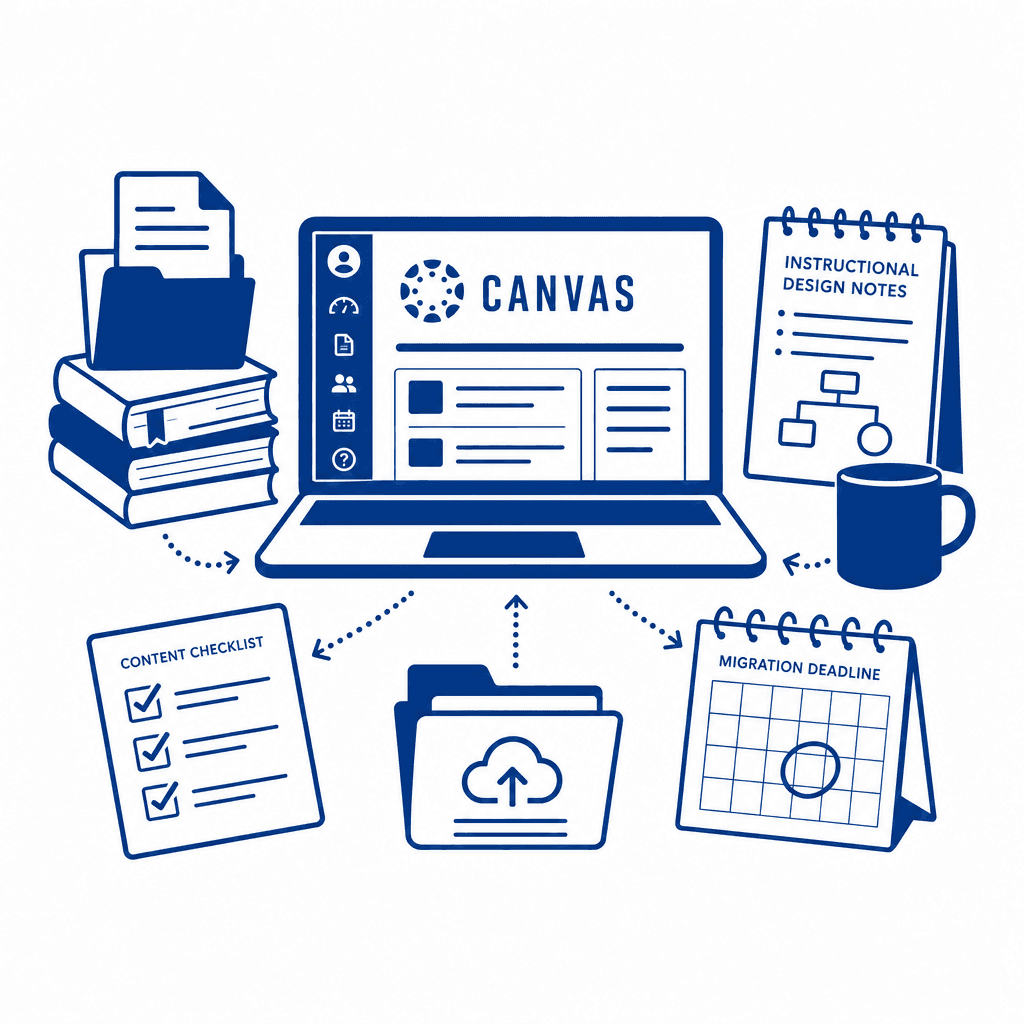
As institutions prepare for LMS migration, it becomes essential to meticulously evaluate and enhance existing course content. This article delves into strategies that instructional designers and LMS administrators can employ to ensure a seamless transition, highlighting the importance of proper content management to foster a cohesive educational environment.
Understanding LMS Migration
LMS migration involves transferring course content and user data from one learning management system to another, with Canvas LMS often serving as the targeted platform due to its robust features and user-friendly interface. The fundamental reasons for such migration may include outdated systems, need for enhanced functionalities, or shifts in institutional strategy. Educational institutions face significant impacts during this transition—mismanaged data can lead to disruptions in course delivery, loss of instructional continuity, and confusion among users. Therefore, a careful approach to content management is paramount. In the context of moving to Canvas LMS, proper organization of digital assets is essential. An unorganized course content landscape can hinder not only the migration process but also compromise the learning experience for students and faculty alike. By efficiently categorizing and mapping out existing resources, instructional designers and LMS administrators can ensure that valuable materials are preserved and seamlessly integrated into the new environment. Prioritizing this preparation can lead to enhanced engagement, smoother navigation, and ultimately a more effective educational experience post-migration.
The Importance of Content Organization
An organized content library is vital for effective LMS migration, especially when transitioning to a robust platform like Canvas LMS. A well-structured content repository ensures that both instructors and students can navigate the learning environment intuitively. By categorizing and tagging course materials, instructional designers can create pathways that enhance accessibility, making it easier for learners to find the resources they need. Having a systematic approach to content management simplifies many processes during migration. **Benefits include:** - **Improved Accessibility:** Well-organized courses enable students to engage with materials without frustration, which is crucial for maintaining their motivation and focus. - **Better User Experience:** A coherent structure allows instructors to deliver content more efficiently, reducing the time spent on technical issues or content retrieval and enhancing the overall learning experience. - **Streamlined Processes:** With a clear organization, course materials can be more easily transitioned to the new LMS. This minimizes the risk of data loss and unnecessary duplication, allowing for a smoother integration of resources. Ultimately, a carefully curated content library prepares educational institutions for a successful transition, laying the groundwork for effective instructional design and enhanced LMS administration.
Auditing Current Course Content
Conducting a thorough audit of existing course materials is a critical step in preparing for LMS migration. Start by assembling a team of instructional designers and LMS administrators to create a comprehensive checklist for evaluating the content. Begin by identifying outdated content. Review each course to pinpoint materials that no longer align with current learning objectives, industry standards, or technological advancements. This not only helps in assessing relevance but also in determining what may need to be discarded. Next, assess the quality of the remaining content. Consider factors such as accuracy, clarity, and engagement. Gather feedback from both students and instructors to better understand which resources are effectively contributing to the learning experience. As you evaluate the content, categorize it into three distinct groups: items to retain, revise, or discard. Retain high-quality materials that meet learning standards. For those identified for revision, ensure they are updated to reflect current practices and technologies. Discard content that is obsolete or irrelevant to streamline the course and enhance user experience. By meticulously auditing content, you foster an environment where only the most effective educational resources migrate into the new LMS, paving the way for a smoother transition and improved learning outcomes.
Cleaning and Optimizing Assets
Cleaning and optimizing course content and digital assets is vital for a successful LMS migration. After auditing existing materials, the next step is to refine them for compatibility with the new platform and enhance the learning experience. To start, review each course component for relevance and clarity. Remove outdated references, streamline content, and ensure that all materials align with current educational standards. To maintain consistency, develop a style guide that defines formatting, terminology, and branding elements. This guide should be shared with all team members involved in content creation and revision to ensure a unified approach across all courses. Additionally, consider the different types of assets—text, images, videos, and interactive elements—and how they can be effectively utilized. For instance, leverage multimedia elements to create engaging, diverse learning experiences, while also ensuring they are accessible to all learners. As you create adaptive resources, think about the future needs of your LMS. Modular content design will allow for easier updates and the ability to repurpose assets across various courses and platforms. Utilize responsive design principles to optimize materials for various devices, enhancing accessibility and user experience in the new LMS environment.
Mapping the Transition Plan
Creating a comprehensive transition plan is essential for facilitating a smooth migration to a new LMS, such as Canvas. This plan should be a living document that outlines clear timelines, delineates roles and responsibilities, and establishes effective communication channels among all team members involved in the process. First, develop a timeline that accounts for each phase of the migration. This ensures that all members are aware of deadlines and key milestones. Consider breaking down the timeline into distinct phases: audit, preparation, testing, and launch. Each of these sections should contain specific tasks that must be completed sequentially. Next, clearly define the roles and responsibilities of each team member. This could include instructional designers, LMS administrators, IT support, and faculty. By assigning specific tasks—such as content audits, technical checks, or user training—you empower each team member and foster accountability. Moreover, establish regular communication protocols. Weekly meetings or check-ins can be beneficial to discuss progress, issues, and adjustments. This ongoing dialogue enables quick problem-solving and fosters a collaborative environment. By emphasizing proactive planning, your team can mitigate risks during migration, ensuring that course content is seamlessly transitioned, ultimately enhancing user experience and learning continuity.
Ensuring Continuity and Post-Migration Success
Ensuring continuity in teaching and learning after an LMS migration is paramount for retaining the effectiveness of course delivery and the overall user experience. To facilitate a seamless transition, it is essential to implement strategies that actively gather feedback from users—students and instructors alike. By conducting surveys, focus groups, and one-on-one interviews, you can uncover insights into their experiences, difficulties, and suggestions. This direct input serves as a roadmap for identifying areas needing improvement. Iterative improvements should follow the feedback collection process. Establish a continuous feedback loop, allowing instructors to report issues and request enhancements post-migration. Addressing these insights promptly not only fosters an adaptive learning environment but also builds community trust in the new system. Providing robust support during the adjustment phase is equally vital. Offer comprehensive training sessions, visual guides, and readily available troubleshooting resources to ease the transition. Utilize forums or help desks to facilitate an open line of communication. This multi-faceted approach to post-migration support not only enhances the user experience but also promotes a culture of collaborative learning, ensuring that teaching and learning processes remain uninterrupted and effective.
Conclusions
In summary, preparing for an LMS migration involves a strategic approach to content management. By auditing, cleaning, and optimizing course materials ahead of the transition, organizations can enhance user experience and maintain continuity. Following these guidelines will ensure that both instructional designers and learners benefit from a smoother, more effective learning journey.
Understanding LMS Migration
LMS migration involves transferring course content and user data from one learning management system to another, with Canvas LMS often serving as the targeted platform due to its robust features and user-friendly interface. The fundamental reasons for such migration may include outdated systems, need for enhanced functionalities, or shifts in institutional strategy. Educational institutions face significant impacts during this transition—mismanaged data can lead to disruptions in course delivery, loss of instructional continuity, and confusion among users. Therefore, a careful approach to content management is paramount. In the context of moving to Canvas LMS, proper organization of digital assets is essential. An unorganized course content landscape can hinder not only the migration process but also compromise the learning experience for students and faculty alike. By efficiently categorizing and mapping out existing resources, instructional designers and LMS administrators can ensure that valuable materials are preserved and seamlessly integrated into the new environment. Prioritizing this preparation can lead to enhanced engagement, smoother navigation, and ultimately a more effective educational experience post-migration.
The Importance of Content Organization
An organized content library is vital for effective LMS migration, especially when transitioning to a robust platform like Canvas LMS. A well-structured content repository ensures that both instructors and students can navigate the learning environment intuitively. By categorizing and tagging course materials, instructional designers can create pathways that enhance accessibility, making it easier for learners to find the resources they need. Having a systematic approach to content management simplifies many processes during migration. **Benefits include:** - **Improved Accessibility:** Well-organized courses enable students to engage with materials without frustration, which is crucial for maintaining their motivation and focus. - **Better User Experience:** A coherent structure allows instructors to deliver content more efficiently, reducing the time spent on technical issues or content retrieval and enhancing the overall learning experience. - **Streamlined Processes:** With a clear organization, course materials can be more easily transitioned to the new LMS. This minimizes the risk of data loss and unnecessary duplication, allowing for a smoother integration of resources. Ultimately, a carefully curated content library prepares educational institutions for a successful transition, laying the groundwork for effective instructional design and enhanced LMS administration.
Auditing Current Course Content
Conducting a thorough audit of existing course materials is a critical step in preparing for LMS migration. Start by assembling a team of instructional designers and LMS administrators to create a comprehensive checklist for evaluating the content. Begin by identifying outdated content. Review each course to pinpoint materials that no longer align with current learning objectives, industry standards, or technological advancements. This not only helps in assessing relevance but also in determining what may need to be discarded. Next, assess the quality of the remaining content. Consider factors such as accuracy, clarity, and engagement. Gather feedback from both students and instructors to better understand which resources are effectively contributing to the learning experience. As you evaluate the content, categorize it into three distinct groups: items to retain, revise, or discard. Retain high-quality materials that meet learning standards. For those identified for revision, ensure they are updated to reflect current practices and technologies. Discard content that is obsolete or irrelevant to streamline the course and enhance user experience. By meticulously auditing content, you foster an environment where only the most effective educational resources migrate into the new LMS, paving the way for a smoother transition and improved learning outcomes.
Cleaning and Optimizing Assets
Cleaning and optimizing course content and digital assets is vital for a successful LMS migration. After auditing existing materials, the next step is to refine them for compatibility with the new platform and enhance the learning experience. To start, review each course component for relevance and clarity. Remove outdated references, streamline content, and ensure that all materials align with current educational standards. To maintain consistency, develop a style guide that defines formatting, terminology, and branding elements. This guide should be shared with all team members involved in content creation and revision to ensure a unified approach across all courses. Additionally, consider the different types of assets—text, images, videos, and interactive elements—and how they can be effectively utilized. For instance, leverage multimedia elements to create engaging, diverse learning experiences, while also ensuring they are accessible to all learners. As you create adaptive resources, think about the future needs of your LMS. Modular content design will allow for easier updates and the ability to repurpose assets across various courses and platforms. Utilize responsive design principles to optimize materials for various devices, enhancing accessibility and user experience in the new LMS environment.
Mapping the Transition Plan
Creating a comprehensive transition plan is essential for facilitating a smooth migration to a new LMS, such as Canvas. This plan should be a living document that outlines clear timelines, delineates roles and responsibilities, and establishes effective communication channels among all team members involved in the process. First, develop a timeline that accounts for each phase of the migration. This ensures that all members are aware of deadlines and key milestones. Consider breaking down the timeline into distinct phases: audit, preparation, testing, and launch. Each of these sections should contain specific tasks that must be completed sequentially. Next, clearly define the roles and responsibilities of each team member. This could include instructional designers, LMS administrators, IT support, and faculty. By assigning specific tasks—such as content audits, technical checks, or user training—you empower each team member and foster accountability. Moreover, establish regular communication protocols. Weekly meetings or check-ins can be beneficial to discuss progress, issues, and adjustments. This ongoing dialogue enables quick problem-solving and fosters a collaborative environment. By emphasizing proactive planning, your team can mitigate risks during migration, ensuring that course content is seamlessly transitioned, ultimately enhancing user experience and learning continuity.
Ensuring Continuity and Post-Migration Success
Ensuring continuity in teaching and learning after an LMS migration is paramount for retaining the effectiveness of course delivery and the overall user experience. To facilitate a seamless transition, it is essential to implement strategies that actively gather feedback from users—students and instructors alike. By conducting surveys, focus groups, and one-on-one interviews, you can uncover insights into their experiences, difficulties, and suggestions. This direct input serves as a roadmap for identifying areas needing improvement. Iterative improvements should follow the feedback collection process. Establish a continuous feedback loop, allowing instructors to report issues and request enhancements post-migration. Addressing these insights promptly not only fosters an adaptive learning environment but also builds community trust in the new system. Providing robust support during the adjustment phase is equally vital. Offer comprehensive training sessions, visual guides, and readily available troubleshooting resources to ease the transition. Utilize forums or help desks to facilitate an open line of communication. This multi-faceted approach to post-migration support not only enhances the user experience but also promotes a culture of collaborative learning, ensuring that teaching and learning processes remain uninterrupted and effective.
Conclusions
In summary, preparing for an LMS migration involves a strategic approach to content management. By auditing, cleaning, and optimizing course materials ahead of the transition, organizations can enhance user experience and maintain continuity. Following these guidelines will ensure that both instructional designers and learners benefit from a smoother, more effective learning journey.