Solving Microlearning's Retention Problem
Explore effective instructional design strategies for creating microlearning modules in Canvas that improve learner retention. Focus on practical tips for structuring content, integrating interactive elements, and leveraging Canvas features to combat common microlearning retention challenges.
Understanding Microlearning and Its Importance
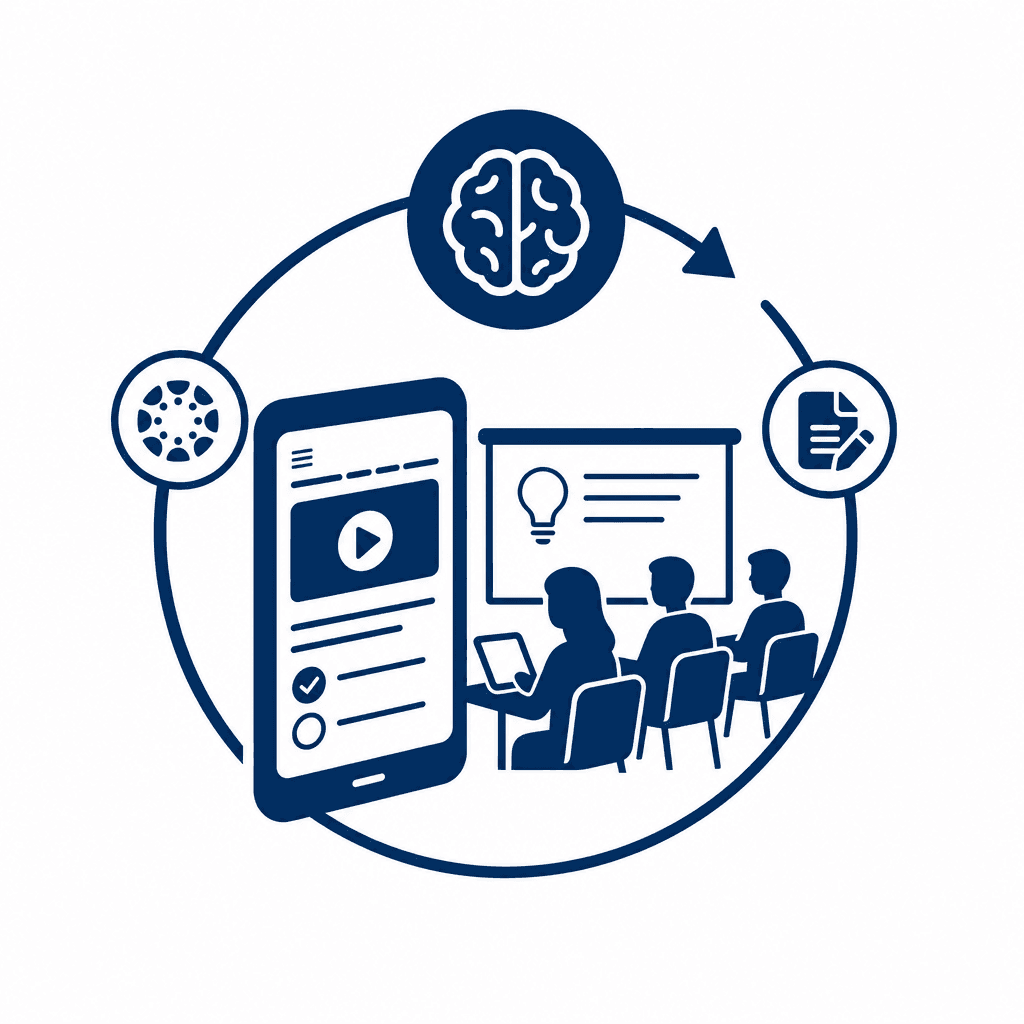
Microlearning is not just a trend; it is a fundamental shift in educational delivery that caters to the evolving needs of today's learners. By emphasizing brevity, microlearning breaks down information into digestible chunks, allowing for focused study sessions that fit seamlessly into busy schedules. This skillful compression of content aligns with how modern learners prefer to consume knowledge—quickly and efficiently. Accessibility plays a key role as well; microlearning modules can be easily accessed on various devices, making learning available anytime and anywhere. One of the significant advantages of microlearning lies in its potential to enhance retention. By presenting information in compact forms, learners can engage with the material repeatedly without becoming overwhelmed. Microlearning also promotes active engagement through innovative elements like quizzes, gamified challenges, and discussion forums. This not only reinforces understanding but also caters to diverse learning preferences, effectively meeting the needs of different learners. Educators should not underestimate the power of microlearning. Integrating it into courses encourages learners to revisit content often, solidifying their grasp on essential concepts and enhancing overall retention, leading to more effective knowledge transfer and application in real-world scenarios.
The Science of Retention in Learning
To improve retention in microlearning, understanding cognitive science principles is essential. Core concepts such as spaced repetition, retrieval practice, and the forgetting curve offer invaluable insights into how learners internalize information. Spaced repetition, for example, suggests that individuals retain information more effectively when learning sessions are spaced out over time rather than crammed into a single session. By integrating these intervals into your microlearning modules, you can help learners reinforce knowledge through repetitive exposure.
Retrieval practice, the act of recalling information without cues, significantly enhances memory retention. Instructors can implement quizzes or interactive elements in Canvas where learners can test their knowledge at various stages of the learning process. This immediate feedback not only engages learners but also solidifies their understanding.
Moreover, the forgetting curve illustrates how quickly we forget information if it isn’t revisited. To counteract this, you can use Canvas's features, such as automated reminders or follow-up activities that encourage revisiting key concepts. By applying these evidence-based strategies, you create supportive microlearning environments that bolster retention, ensuring that learners genuinely grasp and remember the material presented.
Designing Effective Microlearning Modules in Canvas
Designing effective microlearning modules in Canvas requires a focus on clear learning objectives. Start by articulating specific goals for each module; this clarity will guide your content selection and delivery. Align all material—whether it’s short videos, infographics, or written explanations—with these objectives, ensuring that every element directly supports learning outcomes.
When structuring the modules, employ short, digestible content segments. Limit videos to a few minutes and use infographics to convey complex information quickly. Text explanations should be concise and purposeful, addressing only essential points to maintain learner focus. Organize content into predictable patterns, such as “chunking” information into units that build on one another, which aids retention.
Navigation is paramount; a well-structured course in Canvas can enhance the learning experience significantly. Ensure intuitive navigation by incorporating consistent labels and an organized module layout. Accessibility is essential; utilize Canvas's accessibility features to accommodate diverse learner needs, following best practices to create an inclusive environment. By implementing these strategies, you will create microlearning modules in Canvas that not only deliver content efficiently but also enhance learner retention through thoughtful design.
Integrating Interactivity to Enhance Engagement
Integrating interactive elements in microlearning significantly enhances learner engagement and retention. The use of quizzes, polls, and discussions within Canvas modules promotes active participation, enabling learners to grasp concepts more effectively. By transforming passive learning into interactive experiences, educators can combat common retention issues. Incorporating quizzes at the end of microlearning modules not only reinforces knowledge but also provides immediate feedback, which is crucial for learning. For example, a quick quiz after a short video can highlight areas of misunderstanding, allowing learners to revisit content as needed. Polls can gauge learner opinions or preferences, creating a sense of community and prompting further exploration of the subject matter. Discussion boards offer a platform for learners to articulate their thoughts and question each other, fostering deeper engagement with the content. For instance, a discussion prompt about real-world applications of a concept encourages learners to connect the material to their experiences. The importance of feedback in this process cannot be overstated; it cultivates a responsive learning environment where learners feel supported and motivated. By integrating these interactive elements into Canvas modules, educators can create a dynamic and effective microlearning experience that enhances retention and encourages continued engagement.
Leveraging Canvas Features for Microlearning Success
Leveraging Canvas features can significantly enhance microlearning experiences, fostering better retention through well-structured content and effective integration. The **modules** feature in Canvas allows educators to organize lessons into bite-sized units, enabling learners to navigate their learning path flexibly. By structuring modules with clear objectives and supporting materials, educators can guide learners while encouraging self-directed exploration. Utilizing **quizzes** not only reinforces knowledge but can also serve as quick feedback mechanisms to gauge understanding. Canvas’s adaptive quiz options allow for tailoring questions based on learner performance, ensuring that content remains relevant and challenging. **Discussion boards** offer a platform for dynamic interaction, promoting community learning that deepens understanding. By encouraging learners to share insights and questions, these forums can facilitate a social learning experience that enhances retention. Canvas’s **learning paths** feature allows for personalized experiences, adapting to each learner's journey through conditional navigation. This ensures that learners encounter content suited to their needs and pace, preventing overwhelm. Furthermore, leveraging **analytics** tools in Canvas can provide insights into learner engagement and progress. By tracking metrics such as time spent on modules and quiz performance, instructors can identify patterns and intervene where necessary to enhance learning outcomes. Integrating external resources—like videos, articles, and podcasts—through Canvas’s integration capabilities further enriches the variety of content delivery, preventing stagnation and keeping learners engaged.
Overcoming Common Microlearning Challenges
Learner distraction and content overload are two common challenges in microlearning that can severely hinder retention. To combat these issues within the Canvas environment, it is vital to focus on structuring content thoughtfully and incorporating engaging elements. Start by breaking down complex topics into bite-sized modules, ensuring each module addresses a single learning objective. This clarity helps maintain learner focus and prevents cognitive overload. Incorporating interactive elements, such as embedded quizzes and discussion prompts, within Canvas can further enhance engagement. These features not only keep learners active but also encourage immediate reinforcement of ideas and concepts. Utilize Canvas's peer-review tools to foster collaborative learning, thus creating a sense of community that helps mitigate distractions. Continuous feedback is essential in addressing retention challenges; leveraging Canvas’s built-in assessment tools allows for timely responses to learner progress. By offering iterative design—where data collected through analytics informs adjustments to the content—you can adapt to the evolving needs of your learners effectively. Finally, consider employing surveys to gauge the effectiveness of your microlearning initiatives, using the insights gained to refine your strategies for improving retention continuously.
Conclusions
In conclusion, effective microlearning design within Canvas can significantly improve learner retention. By structuring content thoughtfully, integrating interactive elements, and leveraging the LMS's features, educators can create impactful microlearning experiences. As microlearning continues to evolve, the strategies outlined here will help maximize its benefits for learners, enhancing long-term knowledge retention.