Speeding Up Accessibility: Efficient Workflows for Canvas Course Content
Explore practical strategies and Canvas LMS features that significantly reduce the time and effort required to create fully accessible course materials, helping educators meet compliance standards without extensive manual work.
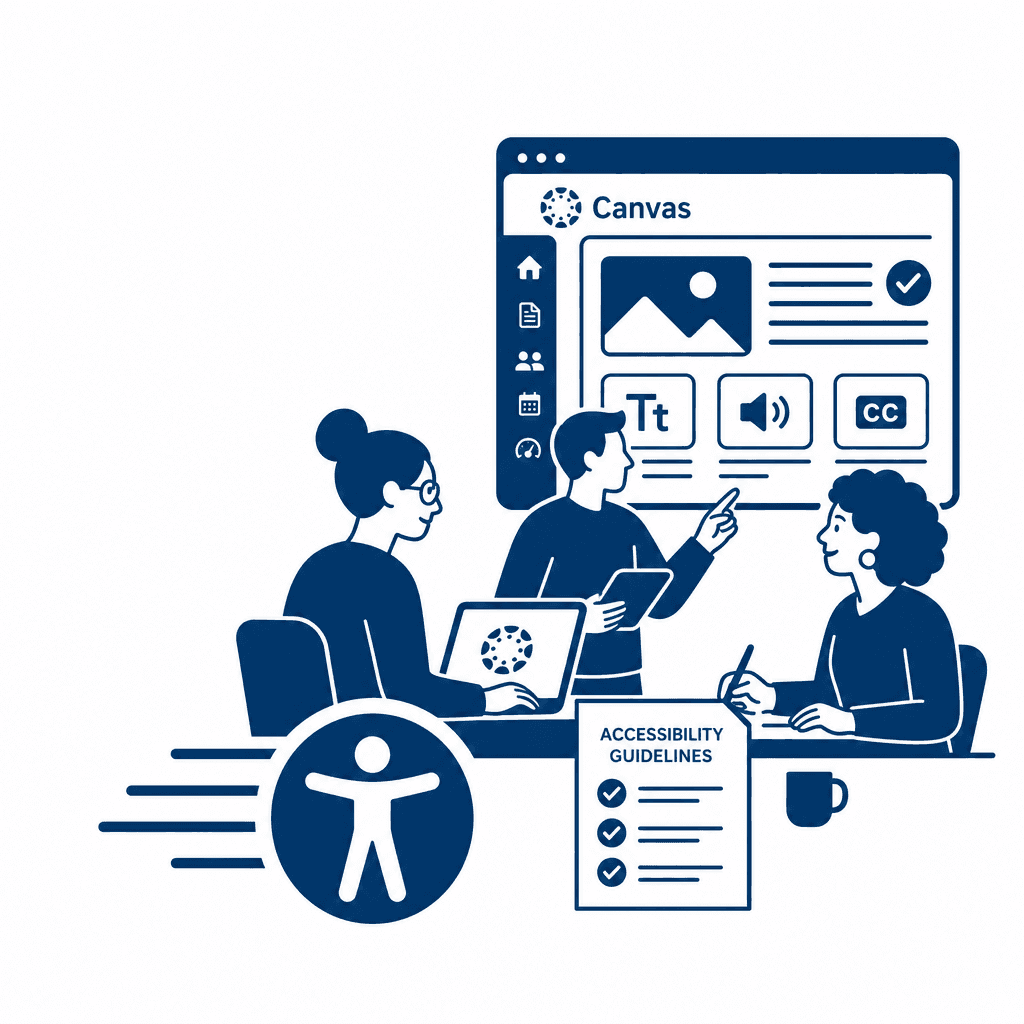
Creating accessible course materials is essential for fostering inclusive learning environments. This article delves into practical strategies and features of the Canvas LMS that streamline the design process, enabling educators to efficiently develop content that meets accessibility standards. By integrating these time-saving workflows, instructors can enhance the educational experience for all students.
Understanding Accessibility in Online Learning
Accessibility in online education refers to the design and delivery of educational content that is usable by all learners, including those with disabilities. It is crucial not only for compliance with legal standards but also for fostering an inclusive learning environment. When educational content is accessible, it ensures that all students can effectively engage with materials, participate in discussions, and demonstrate their understanding. This level of inclusivity supports diverse learning preferences and needs, ultimately benefiting the entire learning community. Legal frameworks like the Americans with Disabilities Act (ADA) and Section 508 of the Rehabilitation Act mandate accessibility in educational settings, insisting that institutions provide equal opportunities for individuals with disabilities. Educators are therefore called to prioritize accessible course design, creating material that is visually and aurally inclusive while facilitating a smooth user experience. The adoption of accessibility practices not only showcases institutional commitment but also enhances the overall quality of education. By understanding the significance of accessibility, educators contribute to a more equitable and engaging digital landscape, which is essential for the empowerment of all learners.
The Role of Canvas LMS in Promoting Accessibility
Canvas LMS is equipped with features that significantly promote accessible course creation, assisting educators in achieving compliance standards while minimizing effort. The *Accessibility Checker* is one of the platform's standout tools, enabling instructors to identify potential barriers within their course materials. By automatically scanning content for issues such as missing alt text or improperly structured headings, this feature serves as a proactive measure, allowing educators to rectify accessibility problems before they impact learners. Utilizing effective *headings* is crucial in not only organizing content but also improving the navigability of a course for users with screen readers. Properly structuring content ensures that all learners can easily follow along, enhancing the overall learning experience. Additionally, incorporating *alt text* for images is essential—these brief descriptions provide context for visually impaired students, allowing them to access visual content meaningfully. Leveraging these features in Canvas enables instructors to meet compliance requirements laid out by regulations like the Americans with Disabilities Act and Section 508 without excessive manual work. By focusing on these built-in tools, educators can create inclusive learning environments that benefit all students, ultimately aligning with educational best practices and fostering a culture of accessibility.
Implementing Efficient Course Design Workflows
Efficient course design workflows are essential for educators seeking to enhance accessibility while conserving time and resources. By establishing clear plans and utilizing templates, instructors can ensure consistency across courses, significantly reducing the amount of time spent creating materials. For instance, using pre-designed templates that meet accessibility standards allows educators to focus on content quality rather than formatting. These templates can include essential elements like headings, alt text prompts, and accessible document structures. Collaborative tools within Canvas foster a culture of shared responsibility for accessibility. Educators can work together to review materials, share best practices, and refine existing resources. By creating a feedback loop, colleagues can help identify areas for improvement and streamline the accessibility process, making it less daunting. Additionally, incorporating workflows such as peer reviews and iterative design processes can facilitate continuous improvement. With these strategies, educators not only expedite the creation of accessible course content but also cultivate an inclusive learning environment, reinforcing the importance of accessibility in their teaching practices.
Leveraging Canvas Integration with Other Tools
Integrating third-party tools and resources with Canvas can significantly enhance the accessibility of course materials while saving time and effort for educators. Tools like Google Docs, for instance, facilitate collaborative editing and offer robust accessibility features such as screen reader compatibility and real-time editing. When assignments and documents are created in Google Docs, they can be easily shared and updated within Canvas, ensuring that all students have access to the latest versions in a format conducive to their specific needs. Captioning services play a critical role in making video and audio content accessible. By integrating services such as Otter.ai or Rev with Canvas, educators can streamline the process of providing accurate captions and transcripts for multimedia content. This not only meets compliance standards but also enhances the learning experience for all students, particularly those with hearing impairments. Additionally, leveraging accessibility evaluation tools like WAVE or Axe can help instructors identify and resolve potential accessibility issues within their Canvas course materials. These tools offer real-time feedback and best practices, reducing the manual effort required to ensure compliance and allowing for continuous content improvement. Such integrations simplify the content creation process, making it easier for educators to focus on delivering inclusive learning experiences.
Monitoring and Improving Course Accessibility
Ensuring that course materials remain accessible goes beyond the initial design; it necessitates ongoing monitoring and enhancement. Continual assessment serves to identify issues that may arise due to updates in Canvas features or changing student needs. Educators can gather feedback directly from students through surveys and focus groups, specifically tailored to assess their experiences with accessibility. Asking targeted questions can reveal unaddressed barriers, enabling a more inclusive learning environment. Moreover, leveraging analytics within Canvas enhances the evaluation process. Analytics features can track patterns in student engagement and highlight areas where students may struggle with accessibility, such as specific modules or resources. This data-driven approach allows educators to pinpoint problematic content swiftly and prioritize necessary adjustments. Importantly, sustaining an accessible learning atmosphere is not a one-time task but an evolving responsibility. As course content updates and pedagogical practices shift, ongoing commitment to accessibility is crucial. Regularly scheduled reviews and updates not only help maintain compliance standards but also promote a culture of inclusive learning, supporting all students in achieving their full potential. This proactive approach is integral to effective instructional design workflows within the Canvas ecosystem.
Creating a Culture of Inclusivity in Education
Creating a culture of inclusivity in education extends far beyond simply meeting compliance standards; it influences every aspect of the learning environment. For educators, fostering this culture means actively engaging with the principles of accessible course design and incorporating them into their teaching philosophies. Strategies such as collaborative course planning and inclusive pedagogical techniques can significantly improve the learning experiences for all students, regardless of their abilities. Professional development focusing on accessible course design plays a pivotal role in this transition. Workshops and training sessions can equip educators with practical skills to utilize Canvas LMS features that streamline accessibility efforts. For example, employing built-in tools for creating accessible documents not only simplifies the design process but also minimizes the potential for errors. By integrating accessibility into the workflow, educators can focus more on content quality and student engagement rather than navigating compliance as a separate task. Furthermore, a commitment to inclusive learning promotes a sense of belonging among students, which can lead to improved academic outcomes. When educators prioritize accessibility in their course materials, they cultivate an environment where every student feels valued and supported. Ultimately, this culture of inclusivity enhances the overall educational experience, benefiting the entire learning community and setting a standard for future academic practices.
Conclusions
In conclusion, adopting effective workflows and utilizing Canvas LMS features can drastically improve accessibility in online education. By implementing these strategies, educators not only comply with necessary standards but also create a more inclusive learning environment. Embracing these approaches ensures that all students have equal opportunities to succeed.